Modulr Lattice
A reverb you set up like a room: drag the walls, walk around in it, hear where you are.
Modulr Lattice asks you to build a room instead of turning decay knobs. Drag where the sound comes from and where you are standing, and the echoes follow the walls; the tail grows out of how big the room is and what it is made of. There is also a first-echoes-only mode, for placing a sound in space without any tail at all.
This is the plug-in.
Modulr Lattice as it opens in your host, picture for picture.
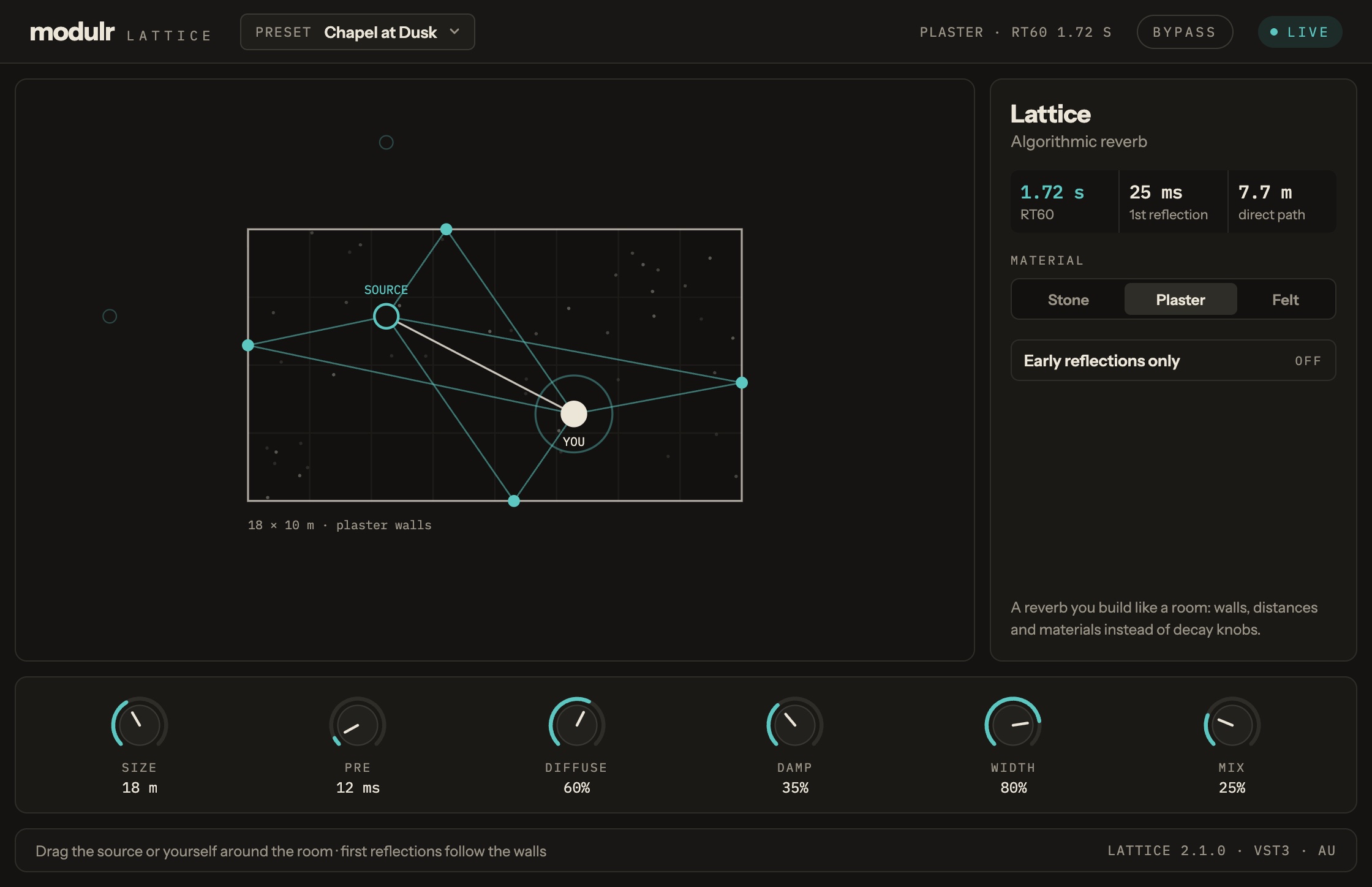
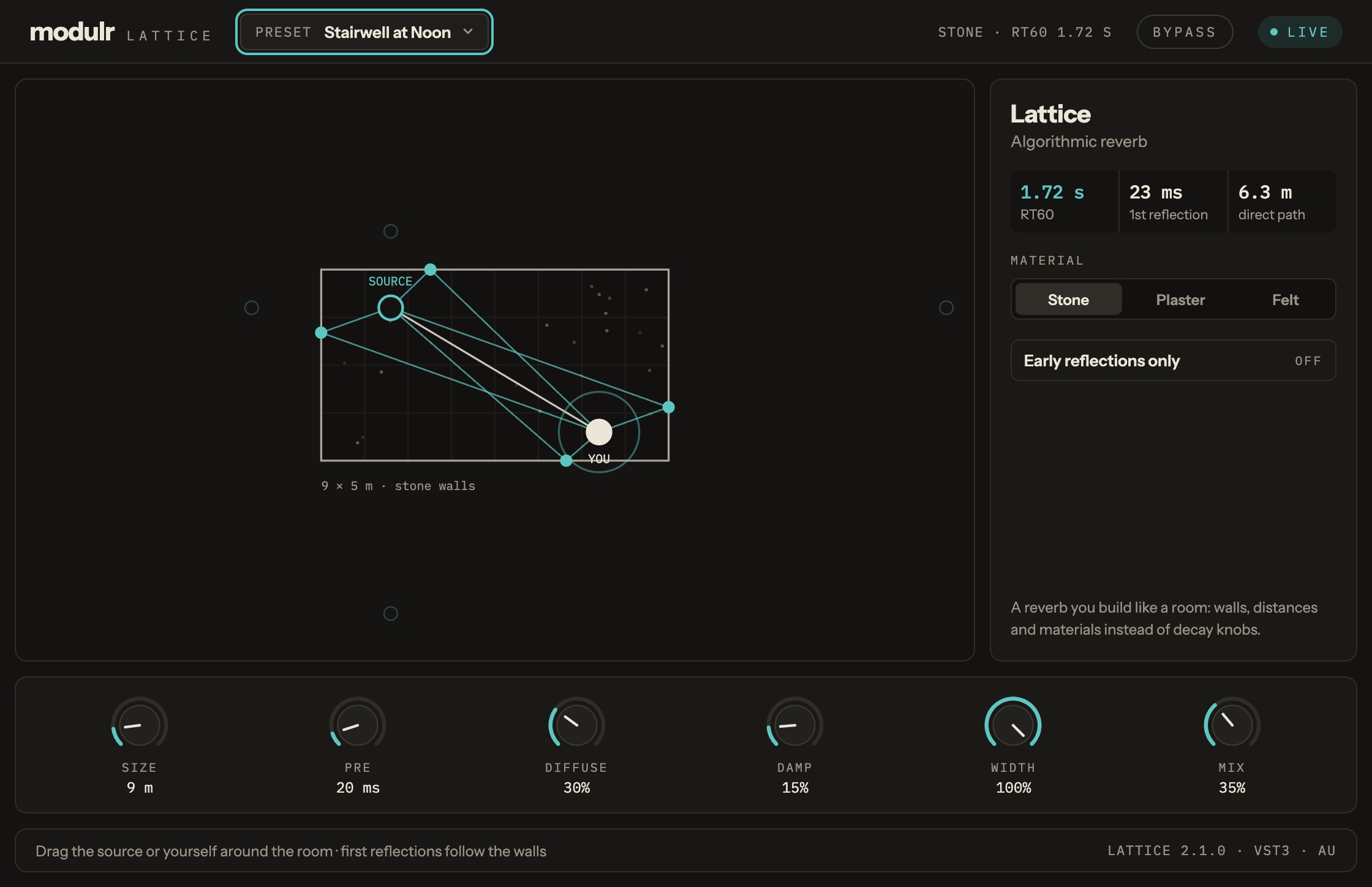
Modulr Lattice, in a list.
- Build a room: drag the source and yourself around it
- Echoes that follow the walls you drew
- Choose what the walls are made of
- First-echoes-only mode, for placing a sound
Version 0.1.0, 2026-11-06.
The Modulr Hub app installs it for you, one click, and checks the download on the way in. Prefer doing it by hand? Unzip the file into the folder shown. Ad hoc (no Developer ID) and not notarised, so the first time you load it macOS asks you to allow it (System Settings, Privacy & Security) — normal for a small maker, and it only happens once.
| Format | Folder | File | Size | SHA-256 |
|---|---|---|---|---|
| VST3 | VST3 | Modulr-Lattice-0.1.0-macos-arm64-vst3.zip | 2.1 MB | 39c41bf668f9ab1c775eb10c41c49154236e01ca317f9a35ae5ce885e42400d2 |
| Audio Unit | Components | Modulr-Lattice-0.1.0-macos-arm64-au.zip | 2.1 MB | d7495c881e26443c84fb938c5360b5c0a100cef79def62873b189935912c1f2b |